Route planning for field-service teams
Plan the day in the office. Tick who’s working, load the day’s jobs and press Plan. RouteWise shares the stops out between your vehicles and puts each route in the best order, keeping every appointment.
Map data © OpenStreetMap contributors
One plan
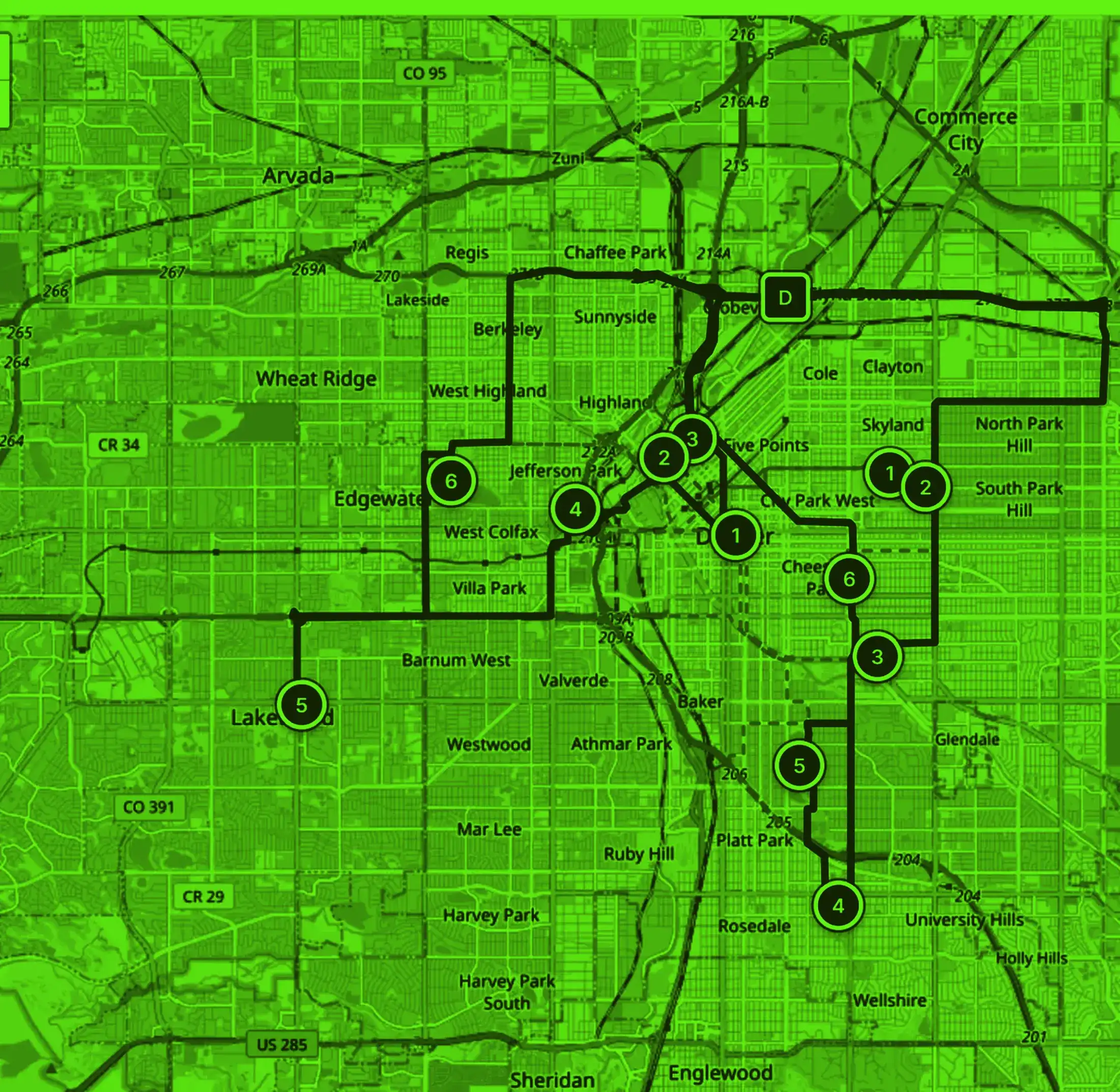
Every stop. Every vehicle. Every driver. Hand-planned routes cross and double back. RouteWise splits the jobs between your vehicles and orders each route so every appointment is kept, with fuel worked out from each vehicle’s own mileage.
The driver app
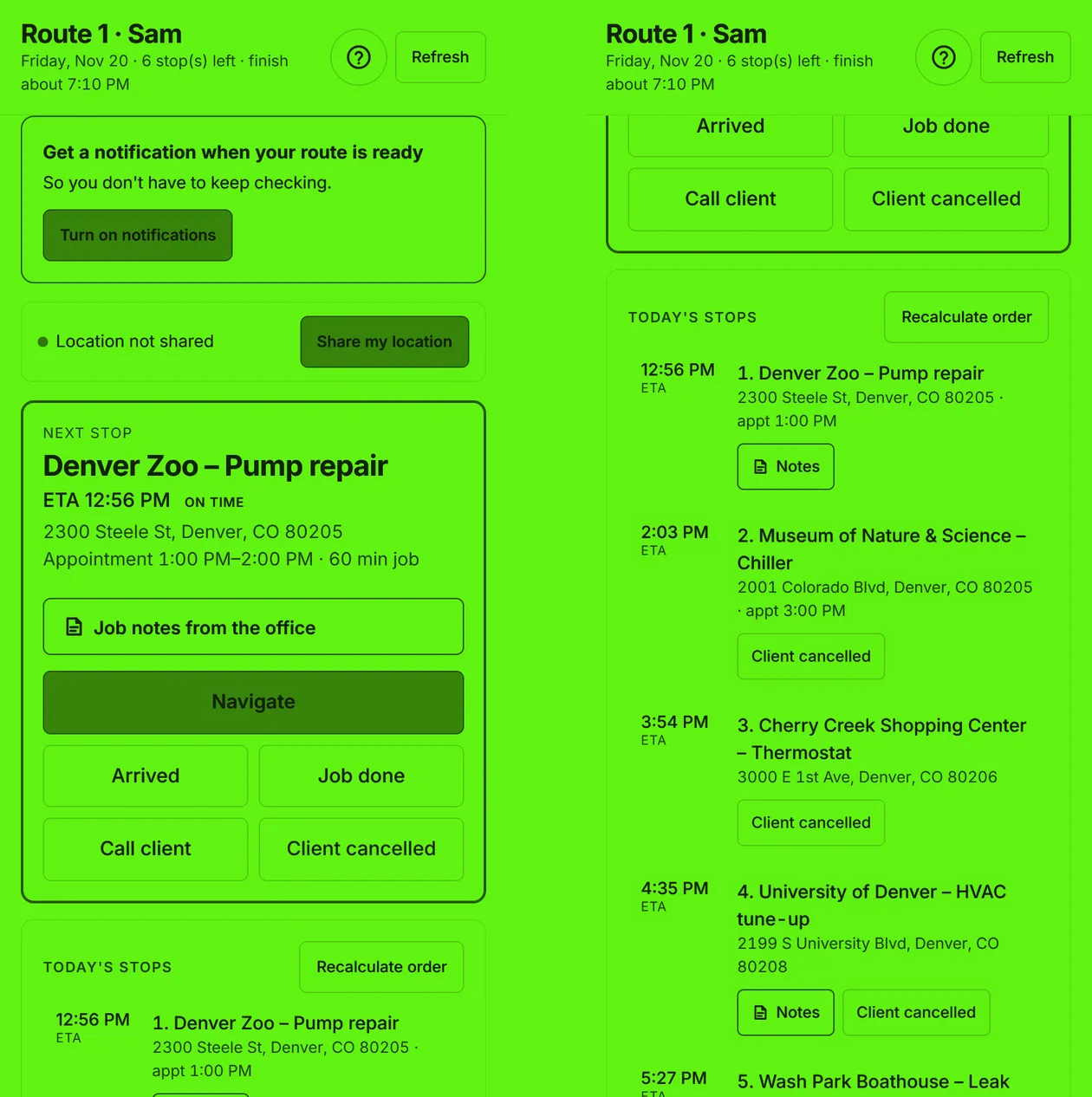
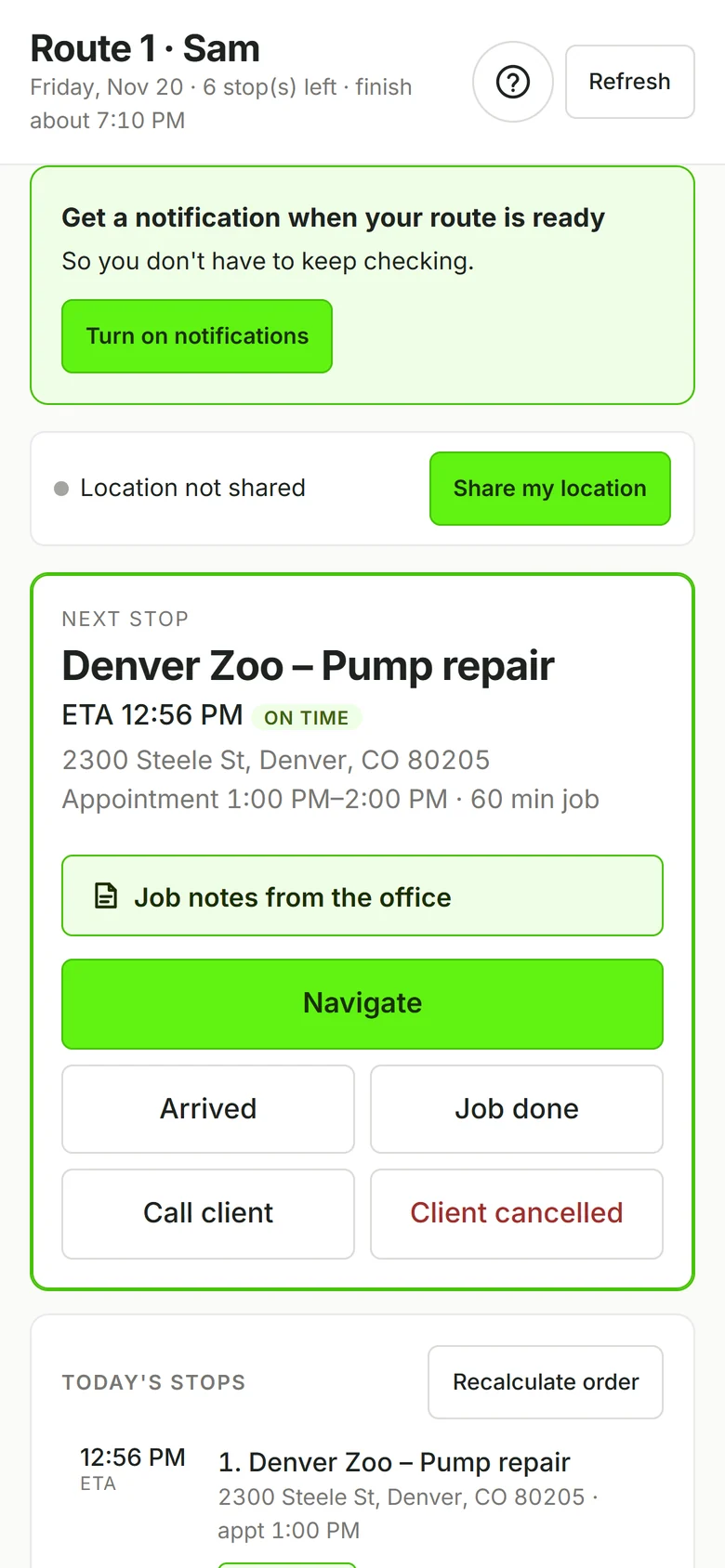
Drive it on the road. Press Send to drivers and each phone opens to that driver’s day: next stop, appointment time, your job notes and one button to navigate.
01 / 03
Plan Optimize Drive
Every stop Every vehicle Every driver One plan
The reel
Thirty seconds. Every stop.
Original music made for RouteWise. The map scene is a drawing; the reports shot uses demo data.
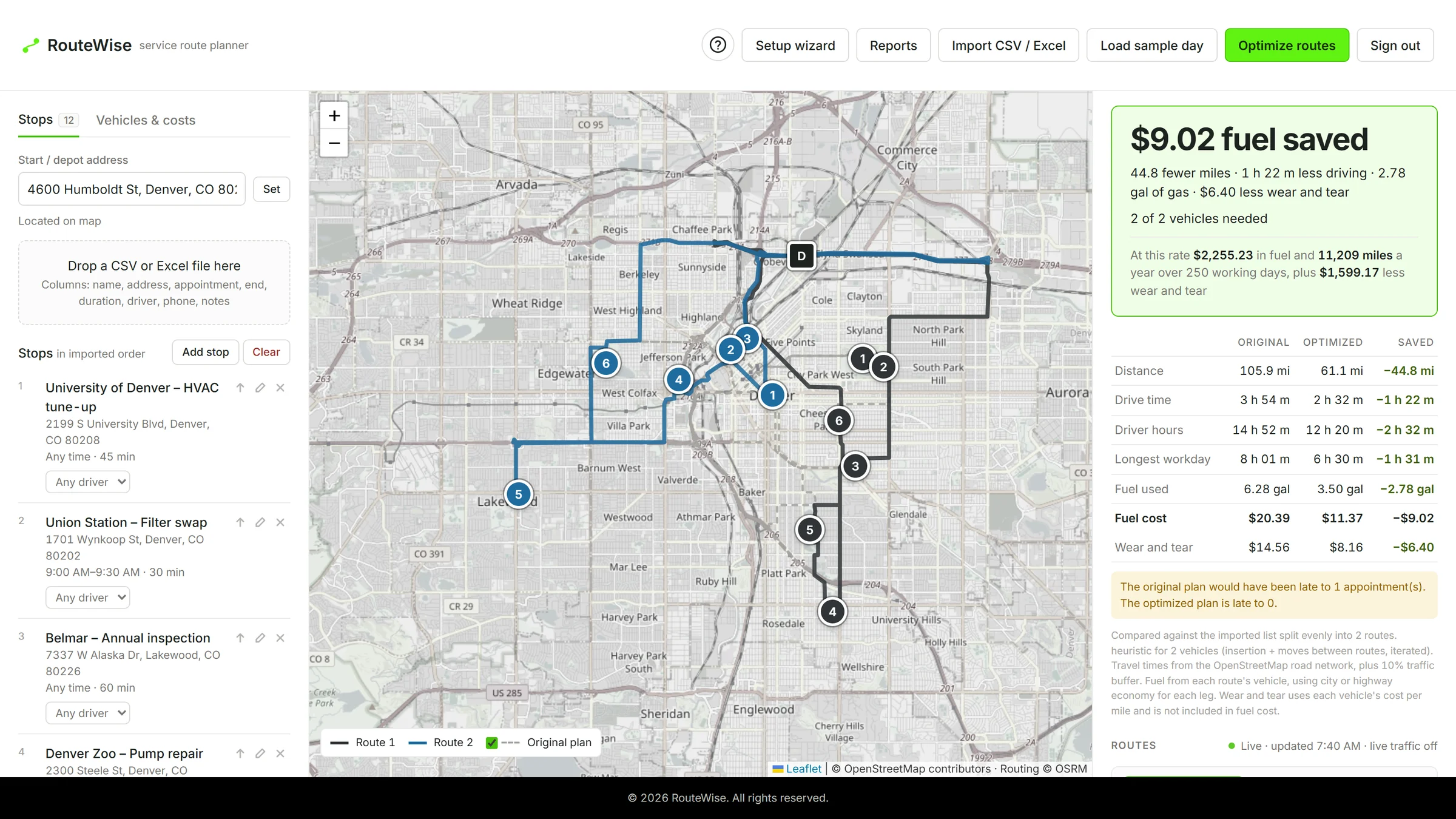
One sample day · 12 Denver stops · 2 vehicles
Less driving. Same appointments.
Fewer miles 44.8 mi
Less spent on fuel $ 9.02
Less time driving 1 h 22 m
Late appointments 1 → 0
RouteWise’s plan compared with the same stops split evenly between the two vehicles. Your own results depend on your routes.
A day with RouteWise, in order
From first question to final number.
1 Answer a few questions Pick the day, bring in your spreadsheet of jobs, and tick who’s working. Vehicles, fuel prices and workday length are remembered.
2 Get the best routes RouteWise splits the jobs between your vehicles and orders each route so every appointment is kept.
3 Send each driver their day Pair each phone once with a code. After that, Send to drivers puts the right route on the right phone.
4 Changes look after themselves A client cancels or a new job comes in: the rest of the route is re-planned from where the driver is.
5 Look back at what you saved Every planned day is kept. See fuel, miles, drive time and driver hours saved for any period, and save it as a PDF.
One plan.
Plan the day in the office. Drive it on the road.
Newsletter
Hear about new features first.
Pick what you’d like: tips for planning service routes, offers and promotions, or a note when RouteWise gets an update. Unsubscribe from any email, any time.